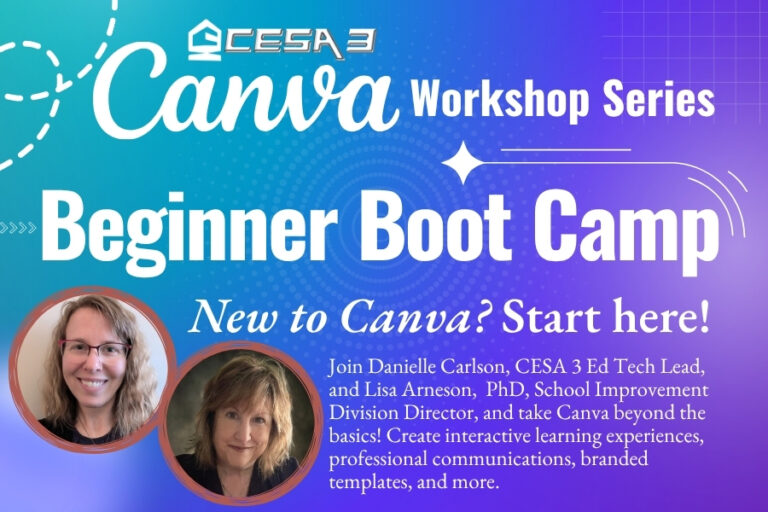
New to Canva? Start here.
Whether you’re opening Canva for the first time or you’ve experimented with it but know there’s so much more you could be doing, Canva Beginner Boot Camp will help you build the skills and confidence to put Canva to work.
We’ll start the day together with the essentials – from accessing Canva’s free premium education features to navigating the platform and editing more efficiently. Then, in the afternoon, you’ll choose a role-specific track designed around the work you actually do.
This is a hands-on day, so come ready to click, create, and leave with skills you can use right away!
Morning: Build Your Canva Foundation
Start with the basics and learn how to:
- Unlock Canva’s free premium features for education
- Confidently navigate the Canva dashboard
- Edit and customize designs more efficiently
- Find the tools and features that can save you time
Afternoon: Choose Your Track
Teacher Track | Create for the Classroom
Take Canva beyond posters and presentations and discover how it can support teaching and learning. You’ll explore how to:
- Build presentations and classroom materials from templates
- Explore ready-made curriculum resources in Learn Grid
- Create interactive lessons, gamified whiteboards, and digital assignments
- Develop a student workflow for assigning and collecting work
- Connect Canva creations with your LMS
Office Staff Track | Create for Operations
Discover how Canva can make everyday communications more polished, consistent, and efficient. You’ll learn how to:
- Design newsletters, flyers, and other communications
- Build designs using your school or district branding
- Protect templates so your branding stays consistent
- Move beyond traditional paperwork with digital designs and workflows
- Use Canva’s time-saving tools—including creating 100 personalized certificates in seconds
You Don’t Have to Be a Designer.
That’s the point of Boot Camp! You’ll have dedicated time to learn, practice, ask questions, and create alongside others—so you leave with more than ideas. You’ll leave knowing how to use Canva for your job.
Ready to see what Canva can really do? Choose your track, bring your laptop, and join us for Canva Beginner Boot Camp!
Register today and start creating with confidence.
There are no upcoming dates for this event.
Staff
-
Danielle Carlson

-
Lisa Arneson, PhD

Director of School Improvement
Venue: CESA 3 - Conference Room C/D
Venue Phone: 608-822-3276
Venue Website: http://www.cesa3.org
Address: